Similar to: Anker Powerline USB-C to USB-A Adapter A8165
 8 filters applied based on search
Top Picks


Best bridge for connecting legacy peripherals to modern USB-C devices.
A durable, compact bridge for connecting legacy USB-A peripherals to modern USB-C ports. It eliminates the need for drivers, offering a reliable, plug-and-play solution for syncing and charging across a wide range of devices.
USB Conversion
High-Speed Data
Plug-And-Play
Eco-Durable
-
Enhanced Legacy Compatibility
-
Excellent Value Multi-Pack
-
Durable and Compact Build
-
Limited Data Transfer Speed
-
No Video Output Support
-
Restricted Power Delivery
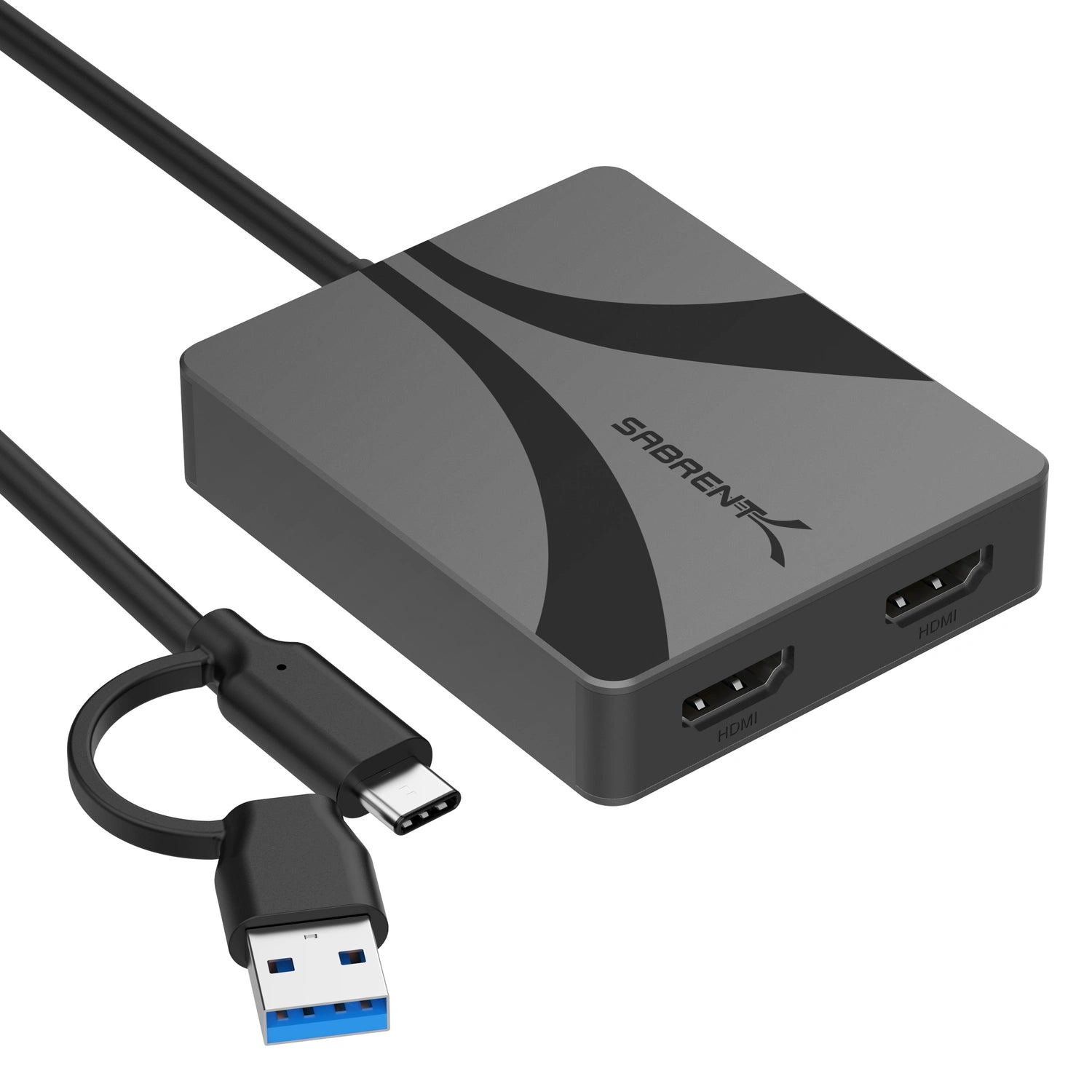

Best dual-monitor adapter for professionals needing flexible, high-resolution workstation setups.
This is the ultimate problem-solver for anyone juggling legacy hardware and modern displays. By bridging the gap between USB-A and Type-C, it turns a single port into a dual-monitor powerhouse. You sacrifice a bit of setup time for the necessary drivers, but the trade-off is a seamless, high-resolution workspace anywhere.
Dual HDMI
4K@60Hz
Aluminum Casing
Type-C/A Compatible
-
Enhanced Productivity with Dual Displays
-
Wide Host Device Compatibility
-
High-Resolution Video Output
-
Limited High Refresh Rate Support
-
macOS MST Limitation
-
Potential Driver Installation Required
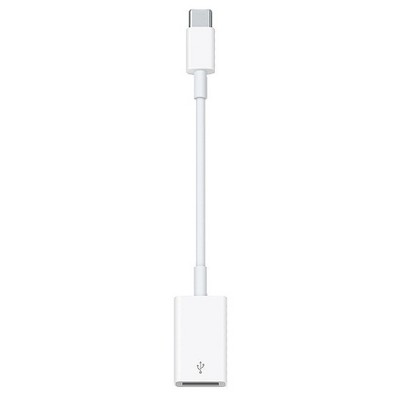

Best bridge for connecting legacy USB accessories to modern USB-C devices.
This essential bridge keeps your legacy peripherals relevant in an all-USB-C world. It is a simple, no-nonsense solution for connecting flash drives and cameras to modern hardware, though its short, dangling form factor is a reminder that the transition to a port-free future is rarely seamless.
USB-C to USB-A
Sync & Charge
Expand Connectivity
Accessory Compatible
-
Enables Legacy Device Connectivity
-
Seamless Apple Ecosystem Integration
-
Compact and Portable Design
-
Premium Apple Price Tag
-
Limited Functionality
-
Single Port Limitation

Best bridge for connecting legacy devices to modern USB-C hardware.
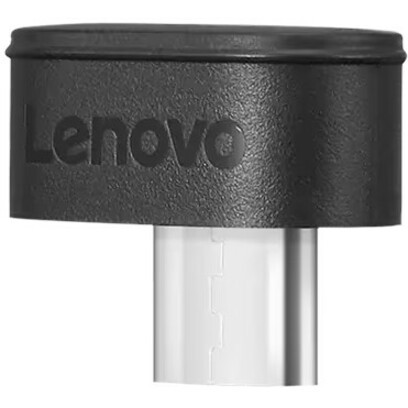

Best USB-C adapter for streamlining multiple wireless peripherals into one connection.