
Deco Pro

Best wireless pen tablet for digital artists seeking efficient, ergonomic workflows.
This tablet strikes a rare balance between professional-grade precision and a clutter-free workspace. The dual-wheel interface is a genuine workflow game-changer, though you will need to spend some time customizing the shortcut keys to truly unlock its potential for your specific creative rhythm.
$159.99
at
Newegg
Who it's for
- Artists seeking natural, responsive pen-to-screen precision
- Digital illustrators needing intuitive, tactile canvas navigation
- Creators wanting a clutter-free, reliable wireless workspace
Who should skip it
- Artists working long, uninterrupted sessions away from power
- Users requiring seamless, uninterrupted software performance
- Heavy illustrators who dislike frequent maintenance tasks
Performance breakdown
Stylus Precision
The X3 Smart Chip delivers incredibly responsive, nuanced line control.
Workflow Efficiency
Dual wheels and eight shortcut keys streamline complex creative tasks effectively.
Connectivity Versatility
Bluetooth 5.0 offers a reliable, cable-free workspace for modern setups.
Build Quality
Ultra-thin, award-winning design feels premium and built for daily use.
Software Compatibility
Broad OS support ensures seamless integration into any professional creative pipeline.
Ergonomic Comfort
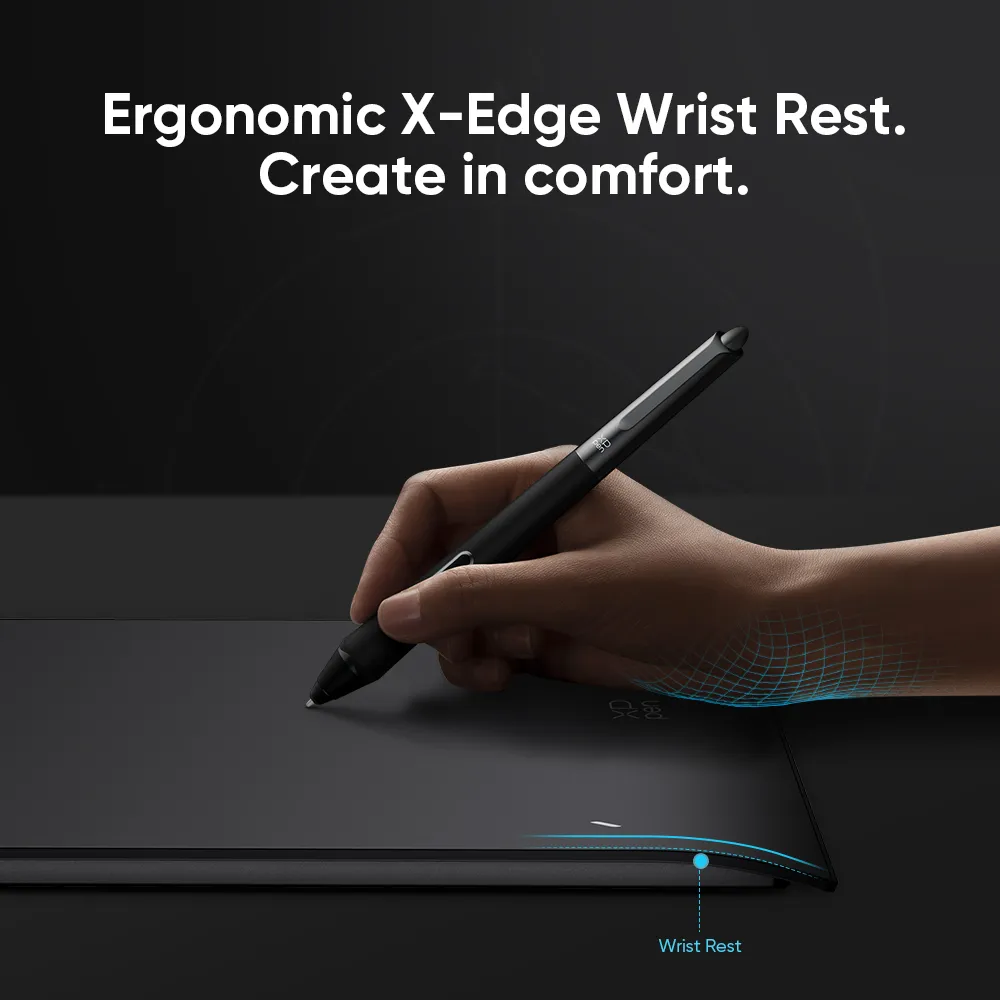
Slim profile and thoughtful layout minimize strain during long drawing sessions.
Key Specs
Active Area
11" × 6"
Resolution
5080 LPI
Pressure Sensitivity
8192 levels
Tilt Support
60 degrees
Report Rate
≥220 RPS
Connectivity
Bluetooth v5.0 and Wired USB-C
Dimensions
399.7 × 227 × 16.5mm
Stylus Technology
Battery-free EMR
Pen Technology
Battery-Free EMR with X3 Smart Chip
Operating System Compatibility
Windows, macOS, Android, Chrome OS, Linux
Know before you buy
Still have a question?
Ask Metto anything about the Deco Pro before you decide.