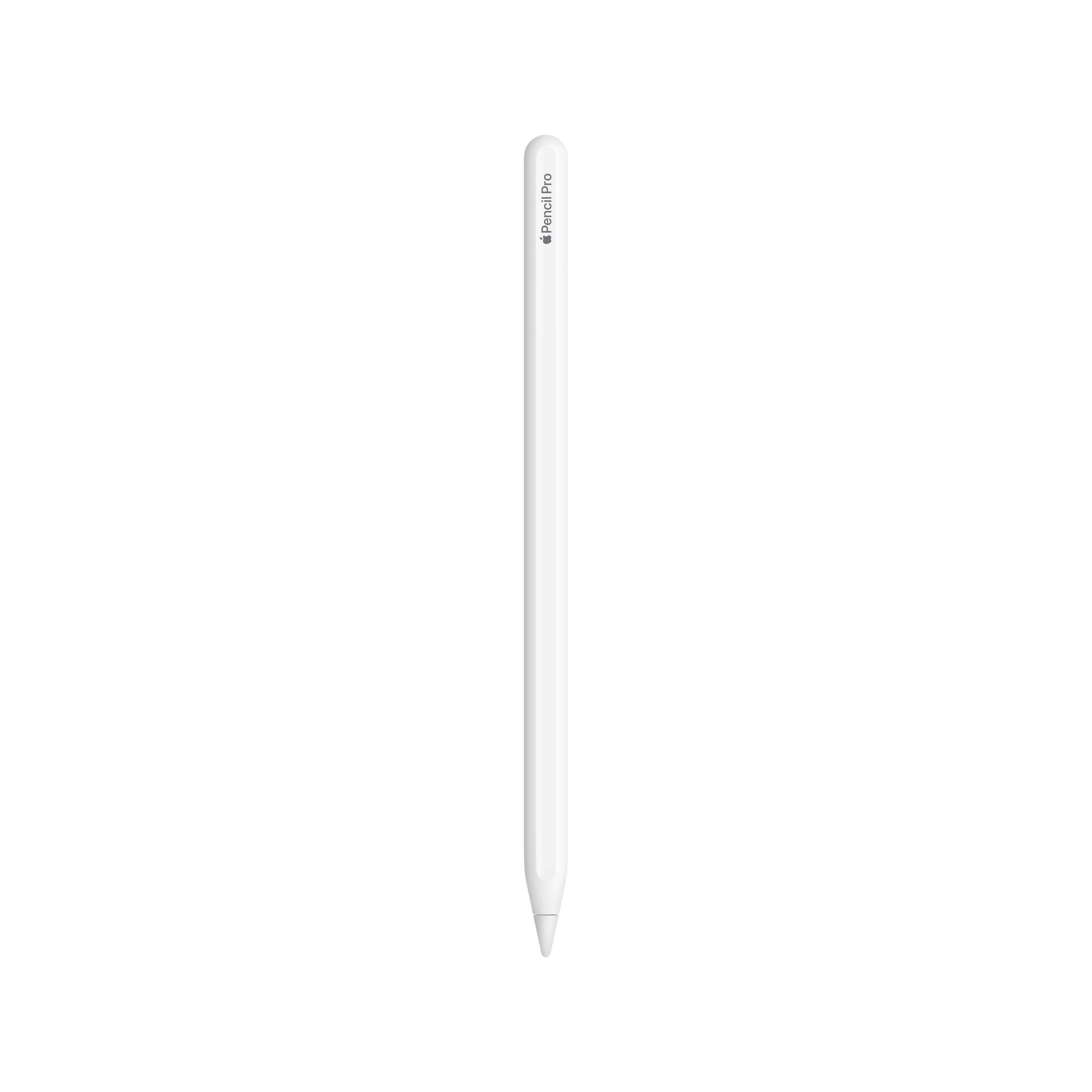
Apple Pencil Pro

Best precision stylus for digital artists and note-takers seeking intuitive control.
This is the closest digital tools have ever come to mimicking the tactile nuance of traditional media. By adding haptic feedback and intuitive gesture controls, it turns a flat screen into a responsive canvas. It is an essential upgrade for anyone who values natural, fluid precision over simple input.
$129.00
More Apple Pencil options
Who it's for
- Digital artists needing intuitive, tactile tool switching
- Illustrators requiring precise control over brush orientation
- Forgetful creators who frequently misplace their stylus
Who should skip it
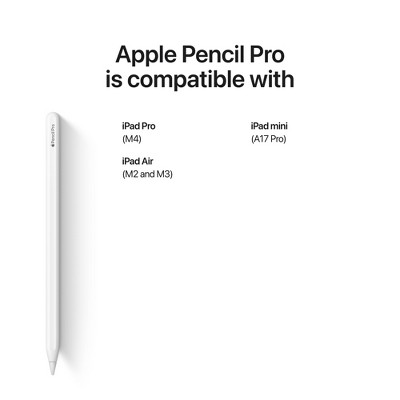
- Owners of older iPad models without M-series chips
- Casual note-takers on a strict budget
- Current Apple Pencil 2 users satisfied with basic functionality
Performance breakdown
Input Precision
Pixel-perfect tracking makes digital strokes feel indistinguishable from traditional ink.
Gesture Responsiveness
Squeeze and barrel roll inputs register instantly for fluid creative workflows.
Haptic Feedback
Subtle tactile pulses provide satisfying confirmation for every tool switch.
Latency Performance
Near-zero lag ensures your digital canvas keeps pace with rapid movements.
Ergonomic Integration
Magnetic pairing and charging keep the workspace clean and clutter-free.
Hover Accuracy
Previewing marks before contact significantly reduces errors during detailed illustration.
Key Specs
Stylus Type
Active Stylus
Charging Method
Magnetic Attachment
Magnetic Attachment
Yes
Tilt Support
No
Palm Rejection
No
Replaceable Tips
No
Programmable Buttons
No
Model Number
JJGCQ35H4Q
What Reviewers Say
Know before you buy
Still have a question?
Ask Metto anything about the Apple Pencil Pro before you decide.