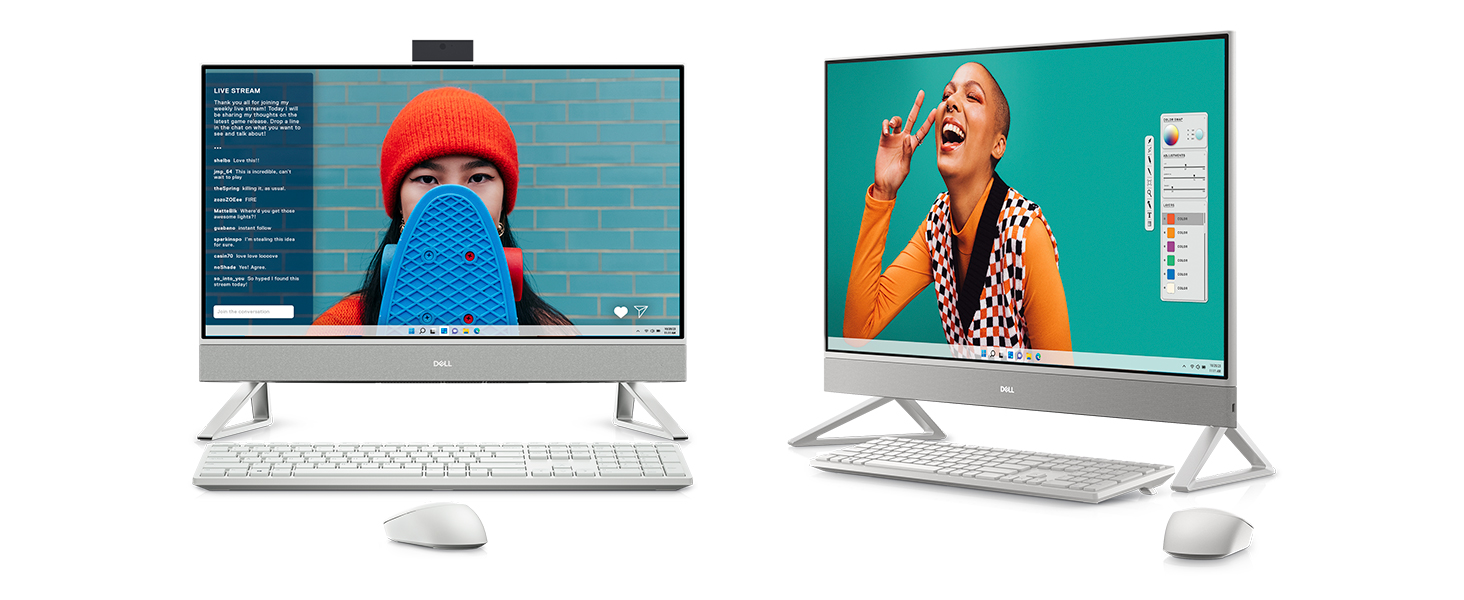

Belkin Display

Best all-in-one computer for families balancing work, learning, and entertainment.
This compact hub transforms a single port into a versatile workstation, offering high-speed data transfer and robust power delivery. It is an essential tool for maintaining productivity while on the move, ensuring seamless connectivity for displays and peripherals.
$24.99
at
Micro Center
More Connect options

Belkin USB-C Hub and Docking Station
$34.99
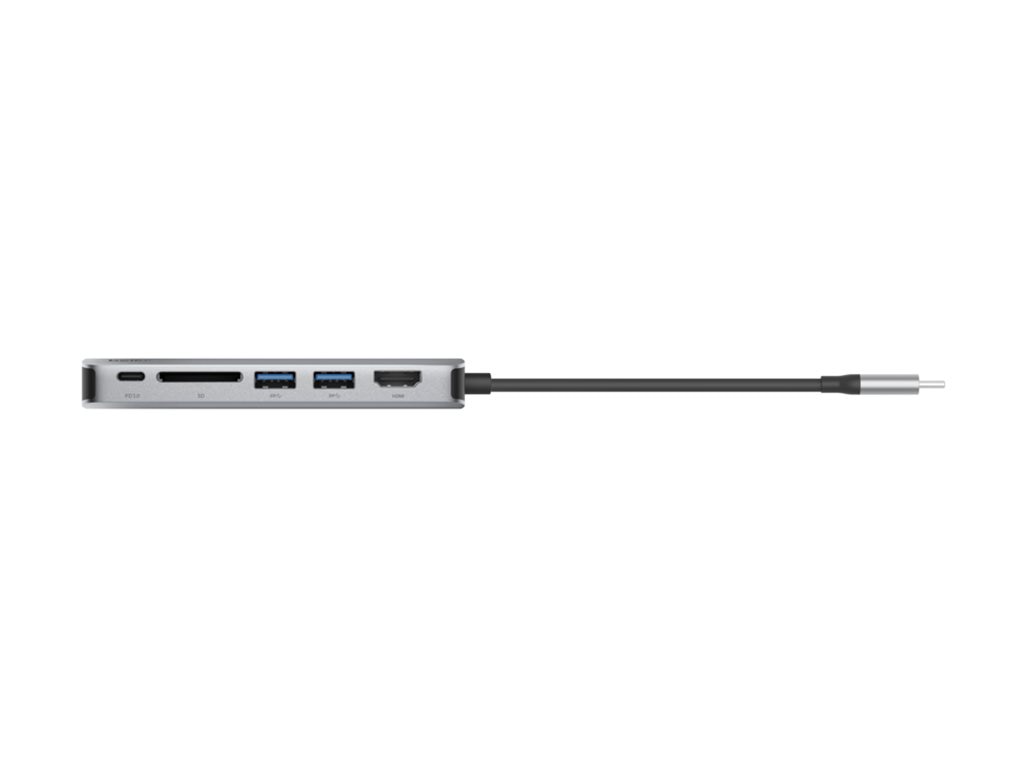
Belkin USB-C HDMI Adapter
$55.99

Belkin USB-C HDMI Adapter
$26.24
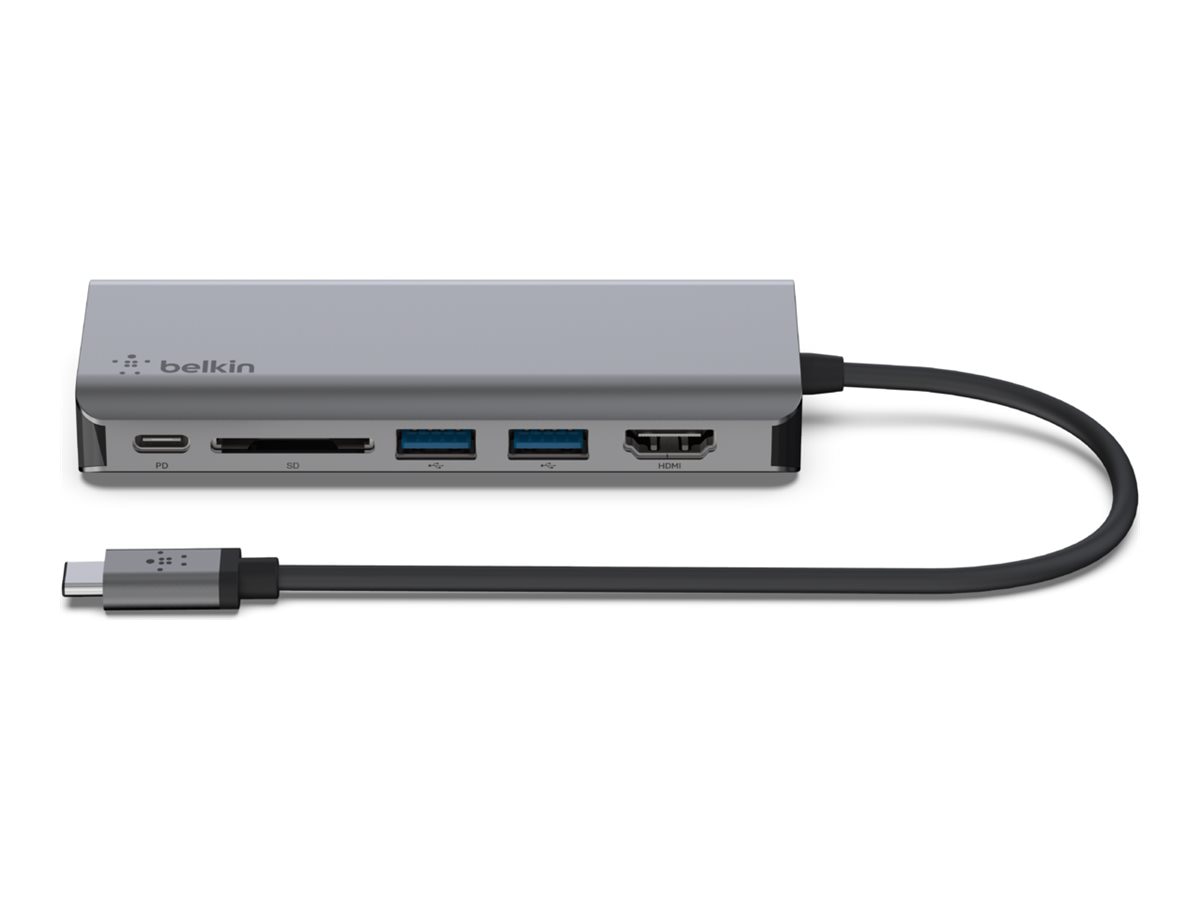
Belkin USB-C Adapter
$59.84
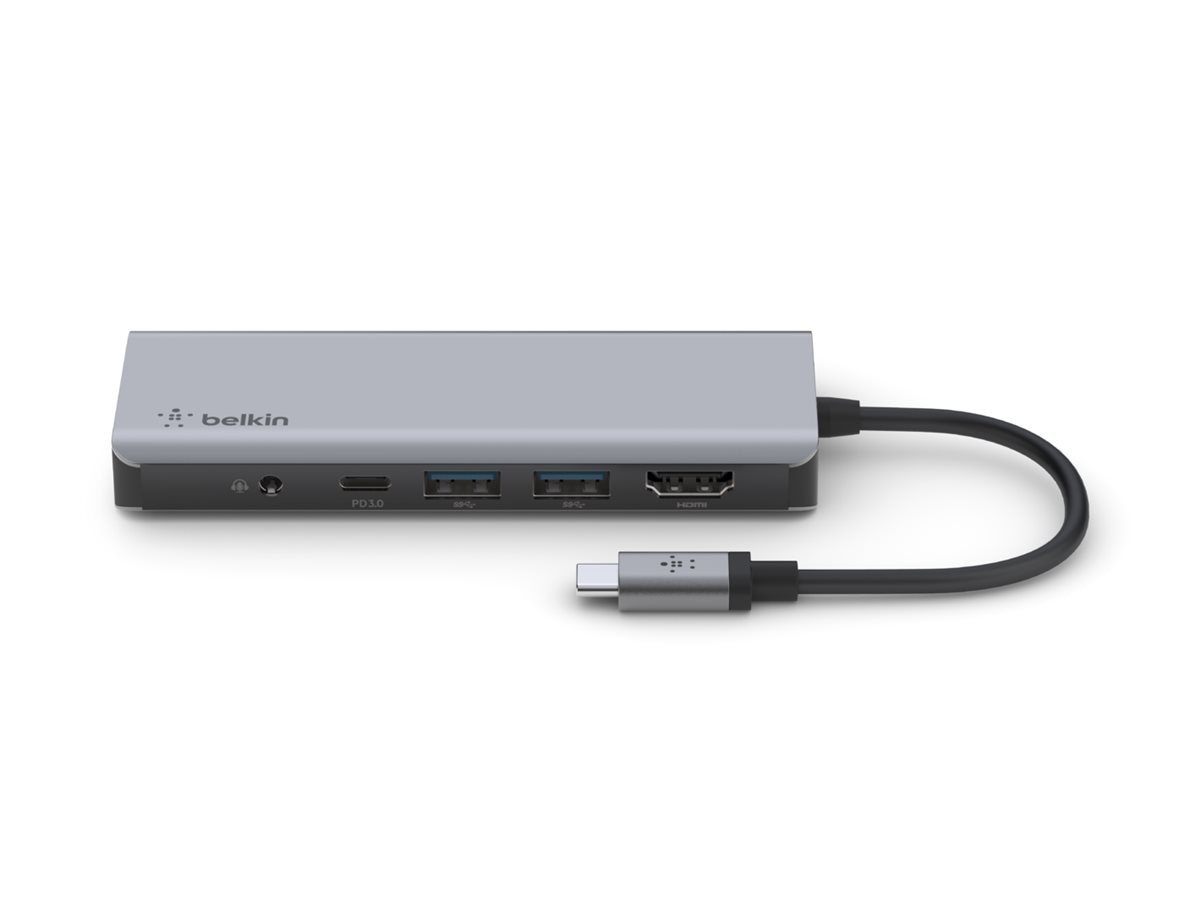
Belkin USB-C Hub
$44.99
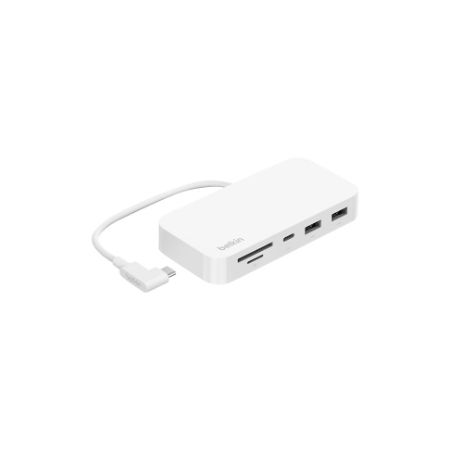
Belkin USB-C Hub
$74.40

Belkin USB-C Hub
$65.00

USB-C 6-in-1 Multiport Hub with Mount
$69.99
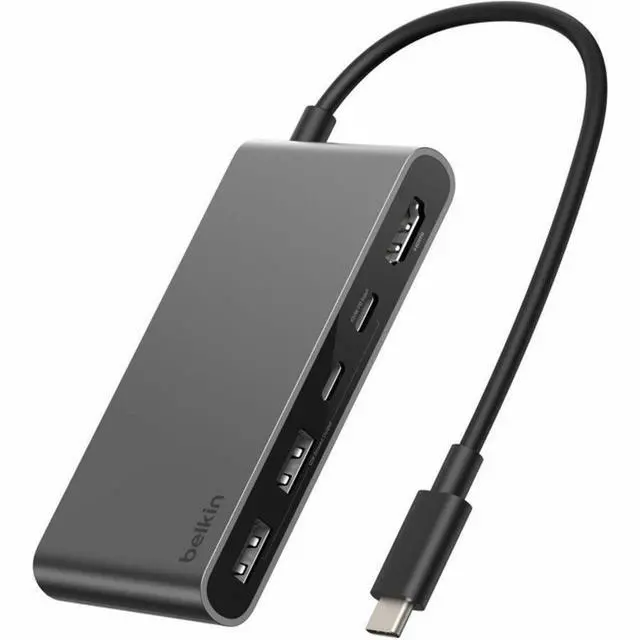
Belkin Connect USB-C Hub
$31.77
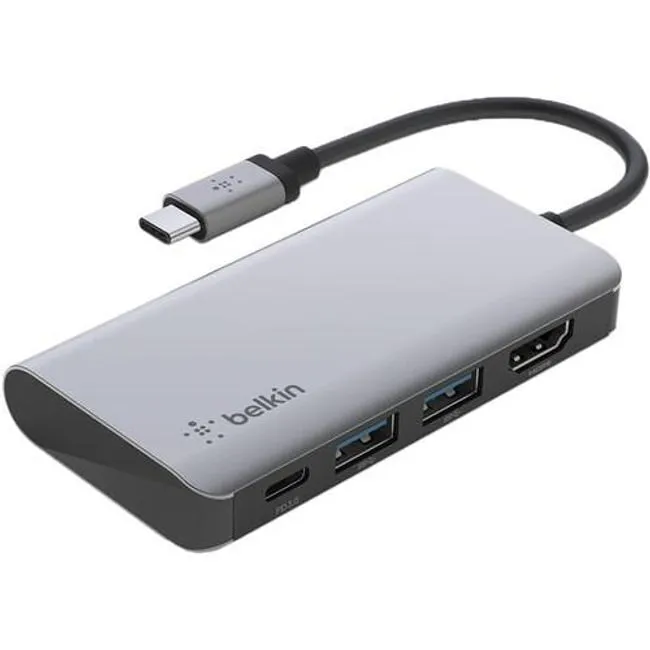
Connect USB-C 4-in-1 Multiport Adapter
$50.09
Who it's for
- Professionals needing extra ports for peripherals and accessories
- Remote workers wanting a simple single-monitor setup
- Frequent travelers requiring a lightweight, portable connectivity solution
Who should skip it
- Power users requiring dual or multi-monitor configurations
- Creators running multiple high-bandwidth devices simultaneously
- Minimalists seeking a completely cable-free workspace
Performance breakdown
Display Versatility
Dual HDMI ports allow seamless switching between PC and external monitor modes.
Processing Power
The Core 7 processor handles daily multitasking and productivity tasks with ease.
Audio Fidelity
Dolby Atmos integration provides surprisingly rich sound for an all-in-one system.
Connectivity Suite
Five USB ports and WiFi 6E ensure robust peripheral and network support.
Visual Comfort
ComfortView Plus effectively reduces eye strain during long work or study sessions.
Video Conferencing
The 5MP adjustable camera delivers sharp, clear video for professional calls.
Key Specs
Display
27-inch FHD (1920 x 1080) Narrow Border Infinity Touch Display with Wide Viewing Angle
Processor
Intel® Core™ 7 150U (12MB cache, 10 cores, 12 threads, up to 5.4 GHz)
Graphics
Intel® Graphics
Storage
1TB M.2 PCIe NVMe Solid State Drive
Memory
16 GB, 2 x 8 GB, DDR4, 3200 MHz
Audio
Dual 5W speakers with Dolby Atmos spatial sound
Camera
5MP Wide Dynamic Range with tilt feature (-5 ~ 25 degrees)
Connectivity
WiFi 6E, 5x USB ports (USB 3.2 Type-C Gen 2, USB 3.2 Gen 1 with Power-on/Wake-up, USB 3.2 Gen 2 with PowerShare)
Video Output
HDMI-out 1.4b
Video Input
HDMI-in 1.4b
Know before you buy
Still have a question?
Ask Metto anything about the Belkin Display before you decide.