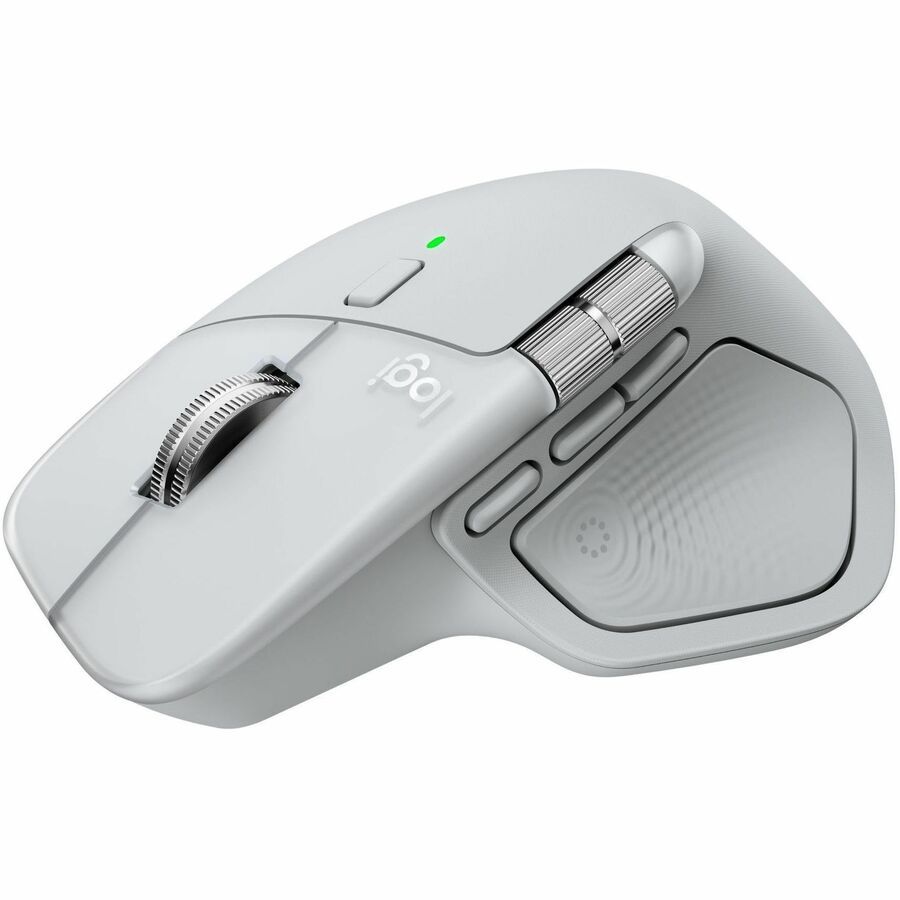

Logitech MX Master 4

Best ergonomic tool for high volume creative professionals.
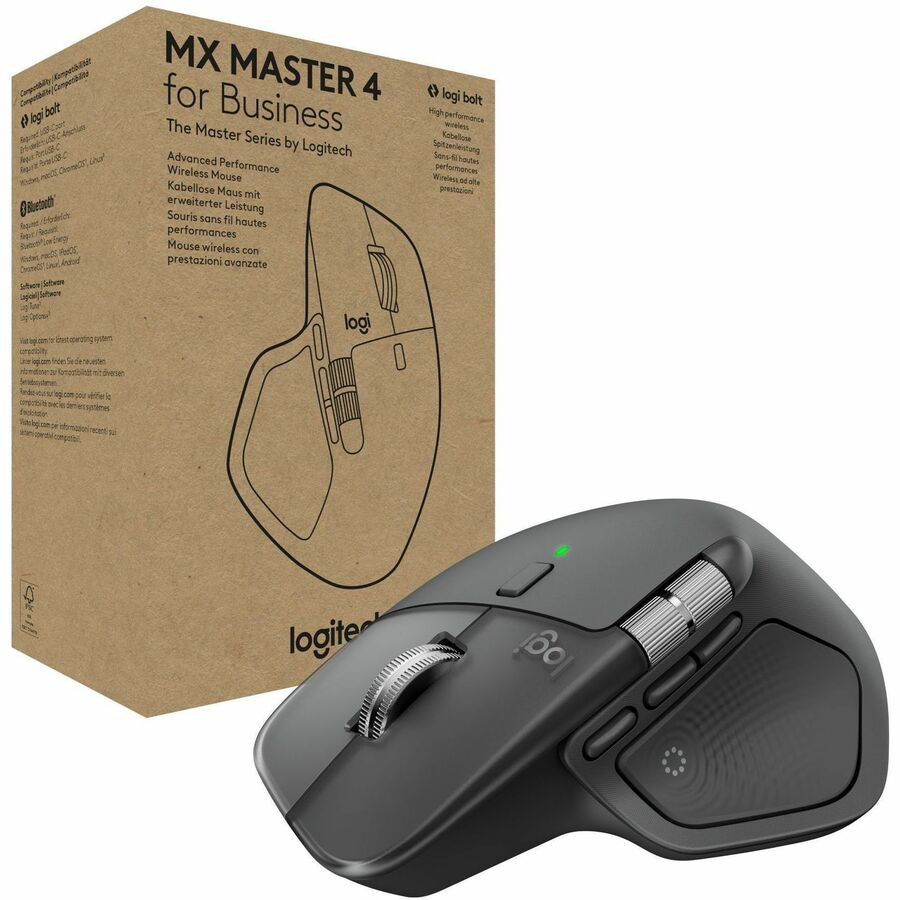
This is the gold standard for power users who refuse to compromise on comfort during marathon editing sessions. While the sheer number of programmable buttons can feel overwhelming at first, the ability to customize every click to your specific workflow makes it an indispensable extension of your hand.
$119.99
at
Central Computers
Who it's for
- Office workers prioritizing long-term wrist health and comfort
- Spreadsheet power users and developers navigating thousands of lines of code
- Multi-taskers managing several workstations or a mix of OS environments
Who should skip it
- Value-oriented buyers who only need basic navigation features
- Left-handed individuals seeking a high-end productivity mouse
- Frequent travelers or users who prefer effortless, light mouse movements
Performance breakdown
Workflow Customization
Deep app-specific button mapping transforms complex tasks into single clicks.
Ergonomic Comfort
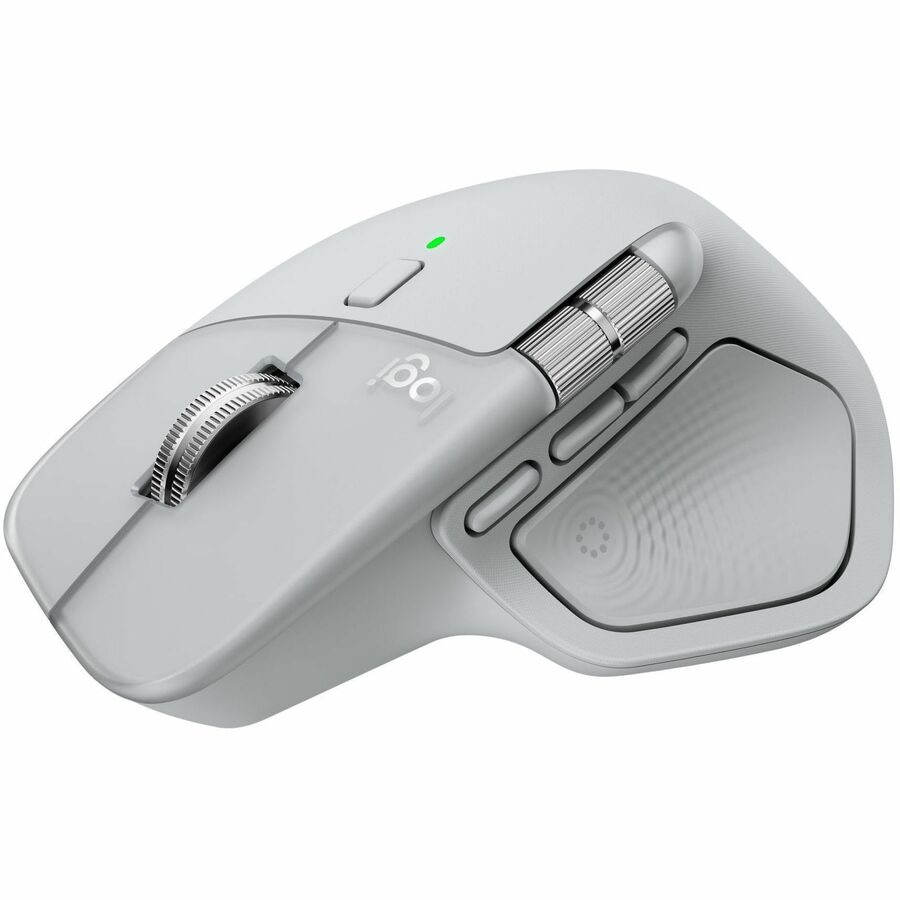
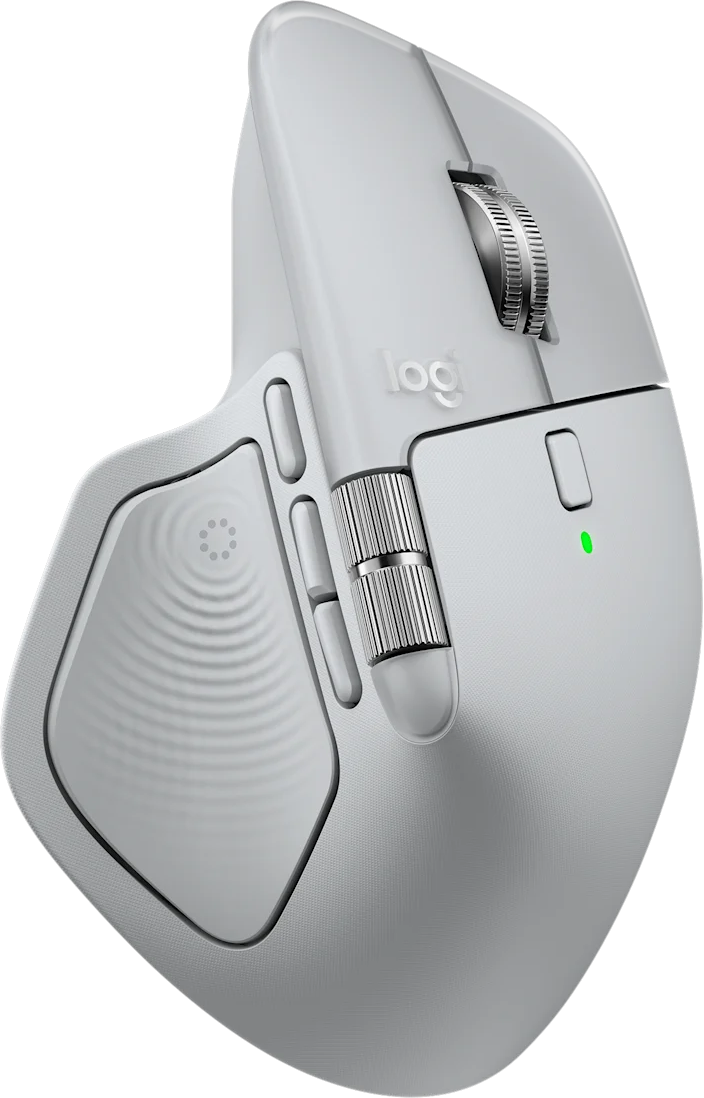
Sculpted shape naturally supports the hand to prevent fatigue during marathons.
Tracking Versatility
Darkfield sensor glides effortlessly across glass and challenging glossy surfaces.
Scroll Precision
MagSpeed electromagnetic wheel offers unmatched control from line-by-line to hyper-fast.
Multi-Device Connectivity
Seamless switching between three devices keeps your multi-platform workspace fluid.
Battery Endurance
Seventy days of runtime minimizes charging interruptions for busy professionals.
Key Specs
Weight
150 grams
Connectivity
Bluetooth, 2.4 GHz Wireless
Interface
USB-C, Bluetooth
Maximum DPI
8000
Number of Buttons
8
Tracking Method
Optical (Darkfield)
Battery Life
1680 hours
Compatibility
Windows, macOS, iPadOS
Ergonomic Design
Yes
Power Source
Rechargeable Battery
Know before you buy
Still have a question?
Ask Metto anything about the Logitech MX Master 4 before you decide.